Most questions are about the time of a visit, what the package includes, or a payment that did not confirm. Use the section that matches your booking, then contact support if you still need a change.
Booking a Pandit
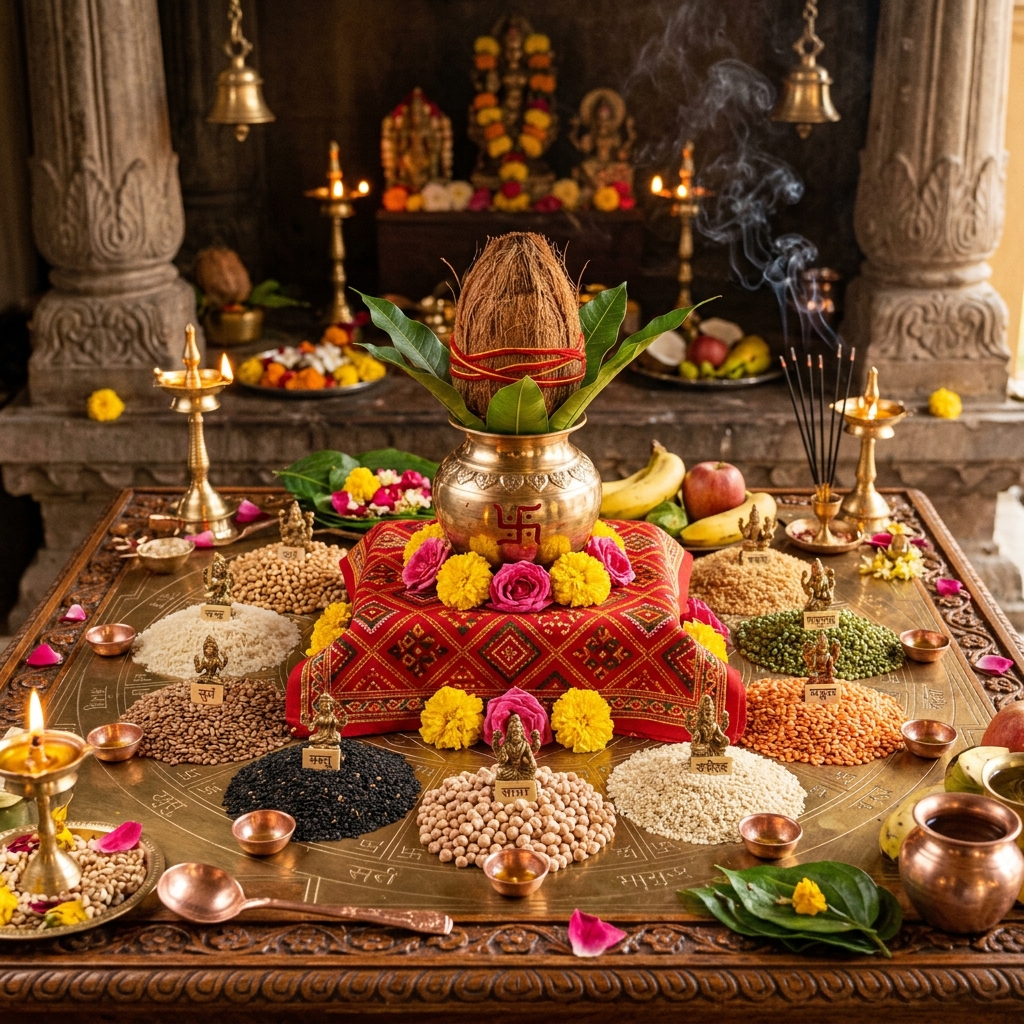
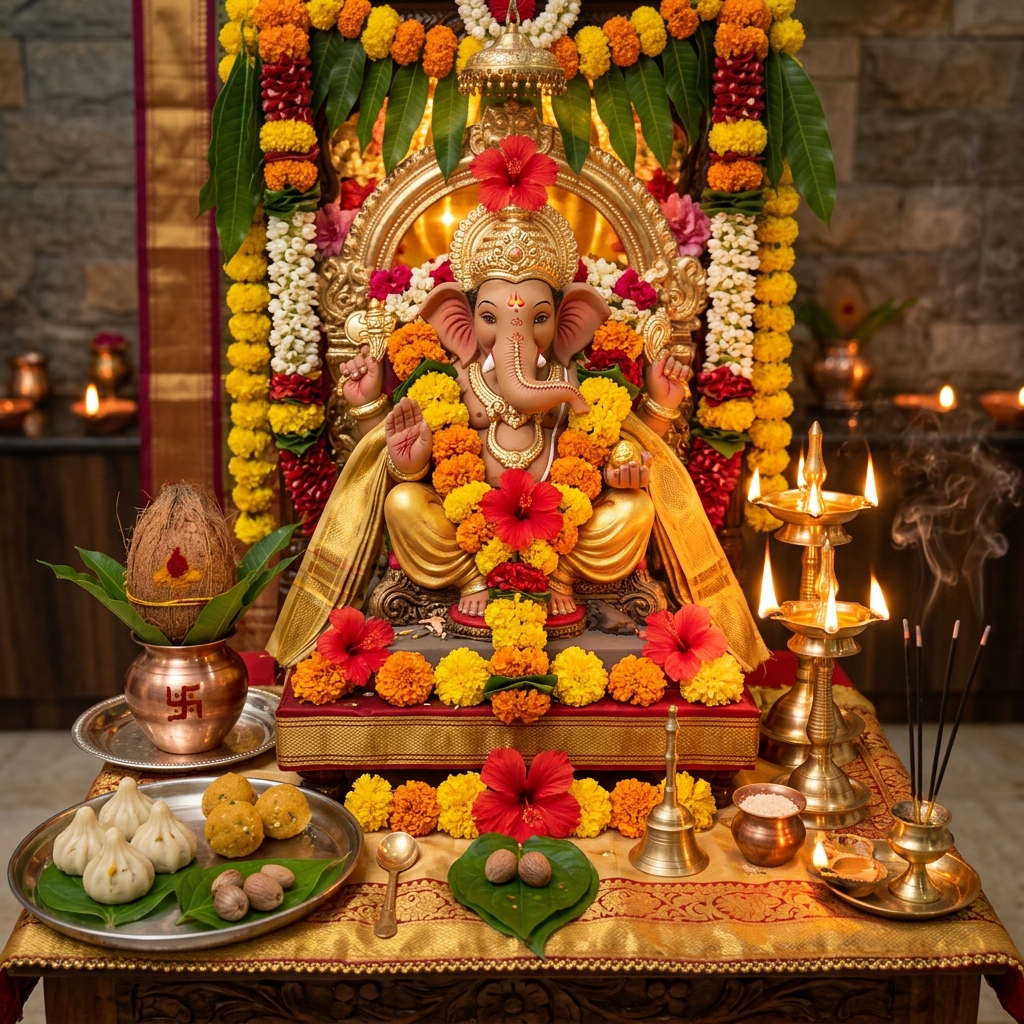
Choose the puja, the city, and a package. Samagri is part of the visit only when the package includes it. After payment succeeds, the booking appears under My Bookings with the Pandit's name and the scheduled time.
- Add a landmark and a phone number that will be answered on the day
- Reschedule or cancel from the booking, inside the window on the Cancellation page
- Track the visit from Track Booking in the footer after you log in
Astrology, Kundli & Tarot
Have the birth date, exact time, and place ready before you pay for kundli or matching. Tarot and question-based sittings need a clear question in the note. Sessions are guidance, not a guarantee.
Shop Orders
Your order confirmation lists the vendor, the items, and the address. Shipping time and any charge are shown before payment. Damaged or missing items are covered on the Shipping Policy page.
Payments & Receipts
A booking is confirmed when the payment status is successful. If money left your account and the booking still shows unpaid after a few minutes, open a ticket with the time and the amount. Do not pay the same booking twice.
Still Need Help
Call +91 12345 67890 or email support@bookpanditji.com, Monday to Sunday, 8AM to 8PM. Logged-in customers can also open a ticket from the Contact page.